01
Connect sources
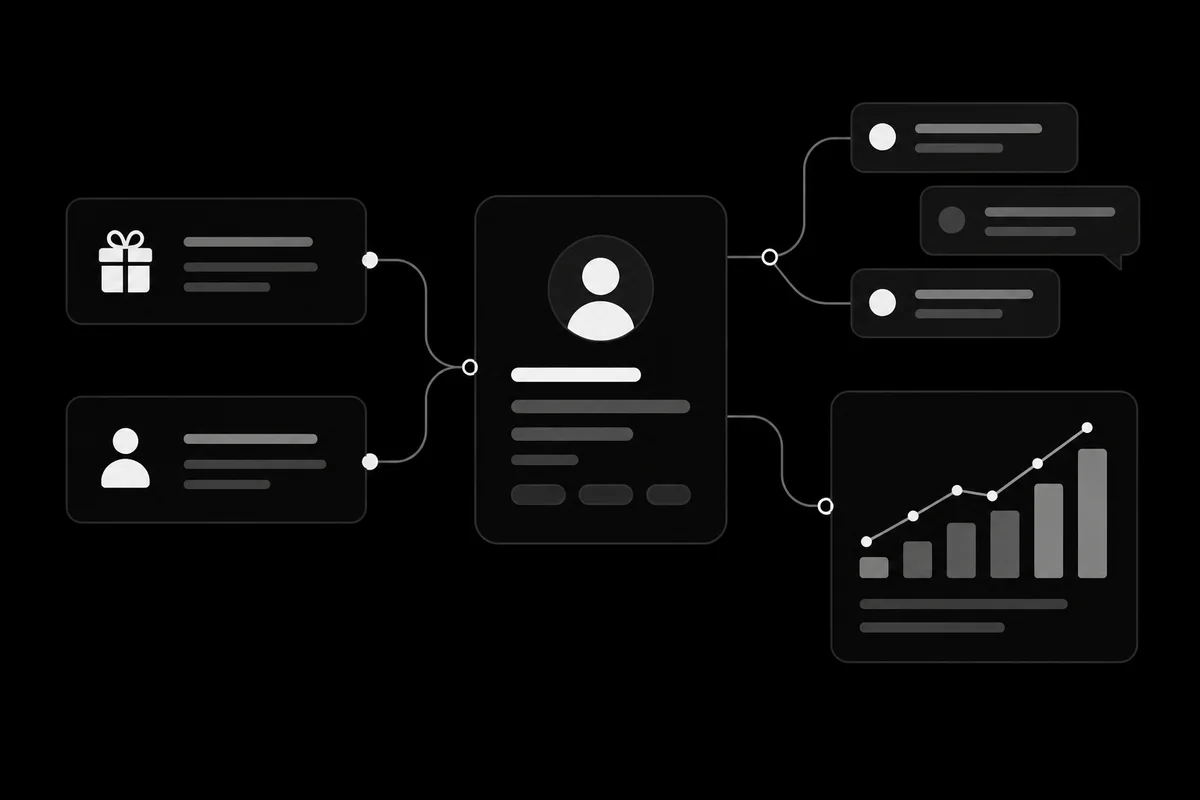
Bring Donorbox, LaunchGood, Stripe, Fundwise, Givebutter, webhook, CSV, Zapier, CRM, and commerce data into one donor operations layer.

Your donation platform should keep doing checkout. Treply sits above it so every gift, reply, receipt, recurring lapse, Zakat warning, and board report connects back to the same donor.
Bring Donorbox, LaunchGood, Stripe, Fundwise, Givebutter, webhook, CSV, Zapier, CRM, and commerce data into one donor operations layer.
Normalize gifts into a canonical donor profile with recurring status, duplicate cleanup, household rollups, country hints, and Hijri-aware context.
Use guided campaign launch, templates, surveys, automations, Donor Agent, SMS, MMS, and WhatsApp to reach the right supporter with the right ask.
Review receipt failures, delivery health, attribution, analytics, board reports, billing, and developer workflows before the next send goes out.
The console navigation mirrors the same operating loop, so teams learn where each feature belongs before they click into it.
The triage lane for messages, failed deliveries, and anything a human should review before the next campaign.
The outbound lane for campaigns and follow-ups across SMS, MMS, WhatsApp, automations, surveys, and AI-assisted replies.
The donor intelligence lane: contacts, groups, donor profiles, recurring givers, duplicates, opt-outs, and donation widgets.
The operating layer for donation sources, receipts, board reporting, delivery health, analytics, integrations, and developers.
Nothing disappears. SMS, MMS, automations, reports, analytics, CRM, commerce, WhatsApp, and AI features are tied back to the donor operations system they support.
New teams see contextual cards for connecting a donation source, cleaning donors, launching a campaign, reviewing receipt failures, and previewing a board report. No heavy tour. Just the next operational move.
A campaign begins before the message is written and continues after the gift arrives. The team needs usable contact records, clear preferences, an appropriate follow-up, and a way to explain what happened. That is the connection between messaging and donor operations.
Evaluate the workflow end to end using a small example. Follow a source record into a donor profile, review the planned message, and check how the result would appear in reporting. Confirm early-access features and source coverage before committing to an implementation plan.
The donor operations workflow sits alongside donation sources. Review payment processing and integration responsibilities for your setup with the team.
Use the evaluation to define a focused first workflow and the features it requires. That makes it easier to check fit before planning a broader rollout.