
Explore workflows for your community
Everything you need to run a giving season that lands.
Giving-season scheduling
Sends respect your community's prayer and service times in your donors' time zones — Ramadan evenings, Sunday services, festival days.
Ready-to-go templates
Appeal templates for Ramadan, Zakat, Jumu'ah, Tithe, Christmas, Easter, Diwali, and Seva. Edit, brand, send.
Donor statement workflows
Prepare receipt and statement workflows around reviewed giving records and your organization’s requirements.
Reach your community
Plan outreach around supporter language preferences and locations. Confirm channel coverage before launch.
Two-way SMS · English + Arabic
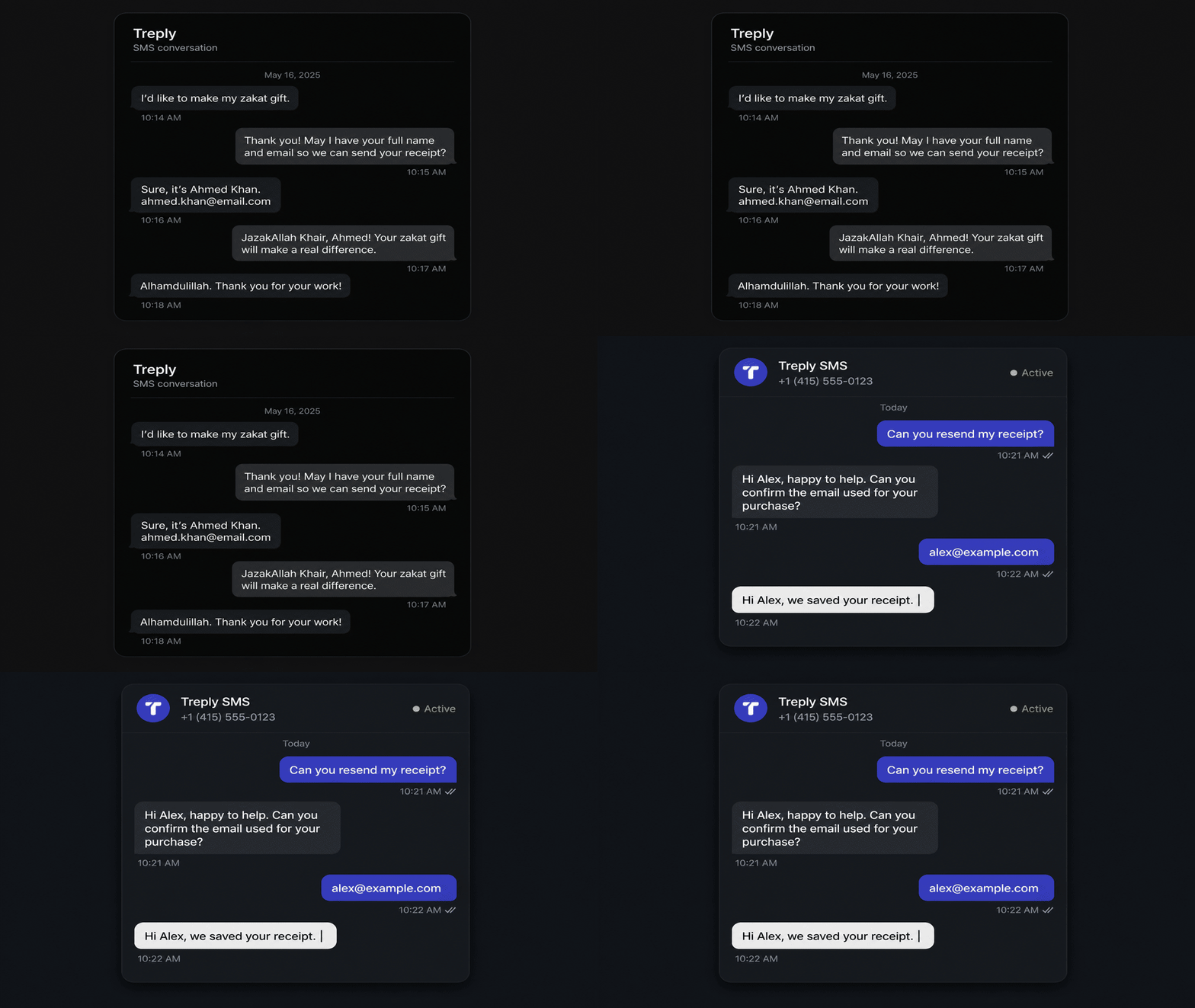
Donor replies land in a unified inbox. Route to a volunteer or an automated flow. عربي ready.
Your donation sources
Discuss your donation platforms, CRM, and import needs. Confirm supported connections and fields for the workflow you want to run.
Treply doesn't replace your donation platform. It runs the donor record on top.
LaunchGood handles the checkout. Stripe handles the card. You handle the mission. Treply handles every donor record, receipt, recurring lapse, attribution badge, and board report — planned around your giving season, whether it peaks at Ramadan, Christmas, Giving Tuesday, or Diwali.
Donor history with source context.
Bring giving history and supporter context into the workflow. Review supported sources, field mapping, and duplicate handling for your organization.
Reporting for board decisions
Explain giving trends, recurring activity, and campaign results using reviewed records and consistent reporting definitions.
Year-end statements, January-ready
Prepare donor statements from reconciled giving records. Review the required format and delivery workflow with your finance team.
Faith-aware campaign launcher
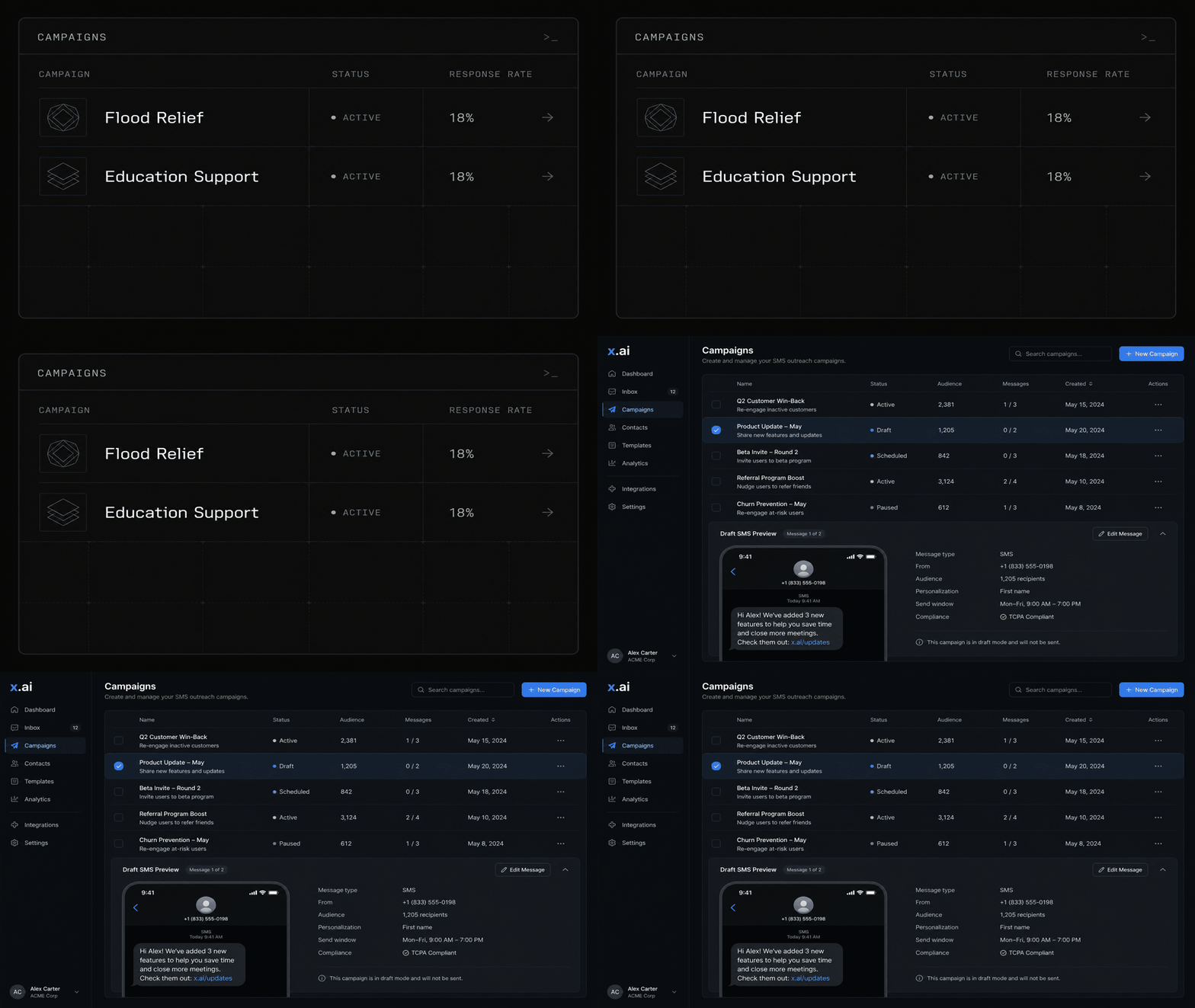
Review recorded designations and giving history before follow-ups. Use that context to prepare a relevant appeal, thank-you, or project update.
Start with the supporter, then plan the send.
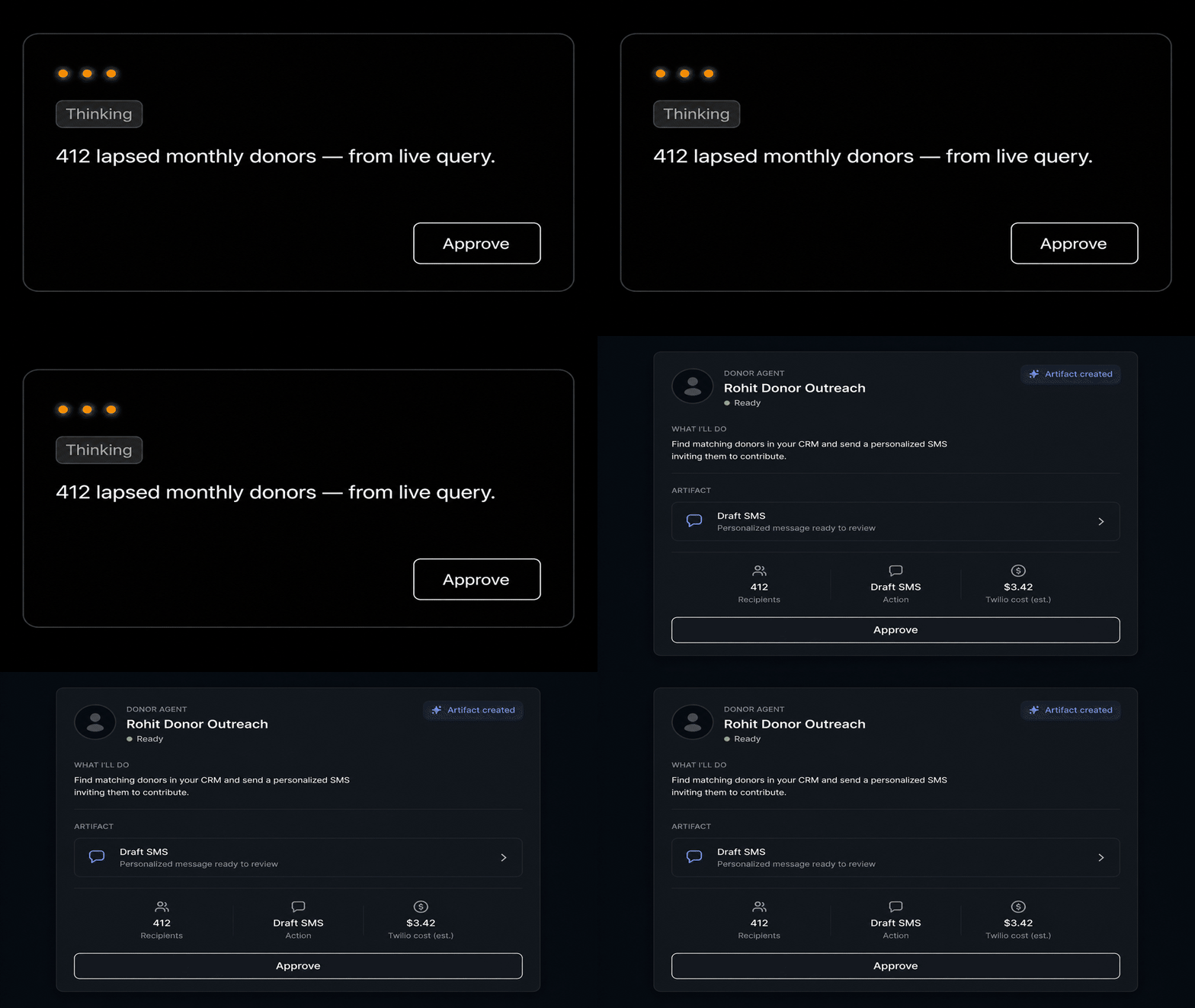
A useful appeal connects a clear need with the people who asked to hear from you. Review the audience, explain the next step, and make sure someone can answer the reply. Carry that context into the donor record and the report after the campaign.
Explore nonprofit SMS campaign planning →Pricing that follows your sending, not your donor file.
We price around what you actually send. Donor records are always included, messaging is usage-based, and onboarding support is flat in your contract.
Your donor history should grow without turning into a larger bill. Treply keeps the donor record layer included, then shapes pricing around channels, regions, integrations, and the messages you send.
Want to see it on your stack?
30-minute walkthrough on your data, your integrations, your volumes. No slide decks.
Nonprofit SMS connected to donor operations
Fundraising teams need more than a way to send a text. They need to know which supporters to contact, what happened after an appeal, and which questions or records need a person to review them. Treply brings those jobs into a connected donor workflow.
What to review before you start
Start with the operational problem you want to solve: preparing an appeal, organizing donor history, or explaining results to your board. Review the relevant product pages, then bring your current process to a demo to confirm the features and integrations available for your organization.
- Choose the donor workflow creating the most manual work.
- Identify the donation sources and messaging channels involved.
- Plan a first campaign with clear ownership and measurable outcomes.
Common questions
Who is Treply designed for?
Treply focuses on nonprofit teams and agencies coordinating supporter messaging and donor operations. The site includes workflows for faith communities, relief organizations, and broader nonprofit fundraising.
Where should we start when evaluating the platform?
Start with the product overview and the workflow closest to your needs. Bring your source platforms, audience size, and reporting questions to a walkthrough.